Your List Grew 1,500 Overnight. None of Them Are Real.
A signup spike with no launch behind it is usually list bombing. Fifteen hundred fake signups can push a welcome stream to six times Gmail's complaint limit and overstate your list by 30% to sponsors. How to spot them, why Apple Mail hides some, and how to clean up without making it worse.

If your newsletter gained hundreds of subscribers overnight and you did nothing to cause it, assume they are not real until you have checked. A sudden spike with no launch, no mention and no viral post behind it is usually a bot attack on your signup form, most often a technique called list bombing. The addresses are either invalid or belong to real people who never asked to hear from you.
What to do, in order: stop the bleeding by protecting the form, isolate every signup from the attack window, delete or suppress them before your next send, and then check whether your welcome email was used to deliver someone else's message. The one thing not to do is send them a re-engagement campaign. That turns an attack on your form into complaints against your sending reputation, which is the outcome the attack was hoping for.
This post covers why bots target creator newsletters, the damage in numbers, the detection signals that work (and one that quietly fails because of Apple Mail), the cleanup, and the trade-off behind the usual fix, double opt-in.
Why would anyone attack a small newsletter?
Usually it is not about you. There are four common motives, and none of them requires anyone to have heard of you.
Burying a victim's inbox. This is list bombing in its original form. An attacker who has stolen someone's bank or shopping account submits that person's email address to hundreds of newsletter forms at once. The victim's inbox fills with welcome emails, and the one real alert about a password change or large purchase gets lost among them. Your form was one of hundreds picked because it accepts any address without friction. The address is real, the person is real, and they never subscribed.
Using your welcome email as a spam relay. A welcome email that says "Hi {first_name}" will say whatever the first-name field contains. Bots fill that field with a scam message or a link and a target's email address, and your platform delivers it under your name and your domain. More on this below, because it is the version that does the most damage to you specifically.
Gaming a reward. Referral programmes that pay out per signup attract throwaway addresses created to claim the prize. The addresses are fake and the referrer is often a real subscriber. If you run a newsletter referral programme, this is the variant you are most likely to see.
Probing forms at scale. Some bots simply submit every form they find, testing which ones accept input. Most of these are clumsy and easy to block.
None of these need your newsletter to be large or well known. They need a form that accepts a submission without checking anything, which describes most signup forms on the internet.
What a bot wave actually costs you
The damage is not the fake subscribers sitting in your list. It is what happens when you email them. Here is an illustrative case, with the assumptions labelled so you can replace them with your own.
| Before and after a weekend attack | Figure |
|---|---|
| Real subscribers | 5,000 |
| Bot signups over the weekend | 1,500 |
| Welcome emails sent to bot signups | 1,500 |
| Invalid addresses (assumed 40%) | 600 hard bounces |
| Real, unconsenting people who mark it as spam (assumed 3% of the 900 deliverable) | 27 complaints |
| Complaint rate on that welcome stream | 1.8%, six times Gmail's 0.3% limit |
| Open rate on next issue (2,250 real openers) | 45% falls to 34.6% |
| Subscriber count in your media kit | Overstated by 30% |
Every line compounds. Gmail's requirements for bulk senders set 0.3% as the spam complaint rate not to exceed, with 0.1% as the level to stay under, and a welcome stream running at several times that tells mailbox providers your mail is unwanted. A 40% bounce rate on one day's sends tells them you are mailing addresses you never verified. Both land on your sending reputation, which your real subscribers share. The mechanics of that reputation are covered in our email deliverability guide for creators.
The last two lines hurt differently. The lower open rate is a measurement problem, and the newsletter analytics you use to judge what works are now diluted by 1,500 recipients who will never read anything. The inflated subscriber count is a commercial problem. If you quote "6,500 subscribers" to a sponsor, you are selling an audience that is 23% fictional, and the sponsor's click and conversion numbers will show it. Our sponsorship pricing guide and the post on sponsorship contracts both assume the audience you describe is real. After an attack, it is not until you clean it.
There is a quieter cost too. Most platforms, including ours, price by subscriber count. Bots that stay on the list count against your plan limit and can push you into a higher tier for an audience that does not exist.
The welcome email as a spam relay
This one deserves its own section because creators rarely think about it and it is the most direct harm to your name.
Your welcome email almost certainly personalises the greeting with the subscriber's first name. Now imagine a form submission where the email field contains a stranger's address and the first-name field contains "Your account is locked, verify at" followed by a link. Your platform sends your welcome email to that stranger, from your address, opening with the attacker's text. To the recipient it looks like you sent them a phishing email. To their mailbox provider it looks the same, and the complaint lands on your domain.
Three fixes, all cheap:
- Do not put the first name in the subject line of your welcome email. The subject is what a recipient sees before deciding to report it.
- Use a fallback greeting when the name looks wrong. A first name containing a link, an @, digits or more than a few words is not a first name. "Hi there" is safer than "Hi {first_name}" when in doubt.
- Ask for less. If you do not use the first name for anything that matters, remove the field. Every field on a public form is a field someone can fill with whatever they like. Our guide to optimising newsletter landing pages makes the same argument for conversion reasons: fewer fields convert better.
If you suspect this has already happened, look at the first-name values of recent signups. It is usually obvious within a minute.
How to spot fake signups
No single signal is conclusive. Together they usually are. Start by finding the window: the hours or days when signups jumped with no explanation. Then look at everyone who arrived inside it.
| Signal | What it looks like | False-positive risk |
|---|---|---|
| Timing | Dozens of signups a minute, often overnight in your timezone | Low, unless you were featured somewhere |
| Single entry point | All from one form or one landing page, often an old one | Low |
| Name field | Links, random strings, the same name repeated, or text that is clearly a message | Very low |
| Address patterns | Sequential addresses, random-character local parts, one obscure domain repeated | Medium; real people have odd addresses |
| Welcome email bounces | A burst of hard bounces right after the spike | Low |
| No engagement | No opens or clicks after several sends | High on its own, and misleading (see below) |
The first three are strong enough to act on. Address patterns need judgement, because real subscribers use strange addresses too. The last one needs a warning.
The detection signal Apple Mail breaks
The standard advice is to wait a few sends and remove whoever never opens. For list-bombed addresses that advice partly fails, and the reason is Apple Mail Privacy Protection.
When Mail Privacy Protection is on, Apple's servers fetch the images in an email when it arrives, which registers as an open whether or not anyone read it. Our post on how Apple broke open rates goes into the detail. For bot cleanup, the consequence is specific: a real person whose address was list-bombed, and who uses Apple Mail, will appear to open every email you send them. They look engaged. They are a person who never subscribed and whose mail app is opening your emails automatically.
So "never opened" catches the invalid addresses and the non-Apple victims, and misses exactly the group most likely to complain eventually. Use the signup window and the entry point as the primary filter, and treat opens as supporting evidence at most. Clicks are a better engagement signal than opens for this purpose, though not perfect, since some corporate security filters click links automatically.
Cleaning up: delete, do not re-engage
Once you have the list of suspect signups, the order of operations matters.
- Pause any automation they are in. If your welcome sequence has five emails, the attack is still sending four more to people who never subscribed. Stop that before anything else.
- Export the suspect segment and keep the file. You want a record of what was removed and why, in case a real subscriber asks where they went, and so you can spot a repeat.
- Delete the invalid addresses. Hard bounces and obviously fabricated addresses have no reason to stay.
- Remove the rest from sending. Addresses that might be real people who did not consent should not receive your newsletter. Delete them or move them to a status your platform will never send to.
- Do not send a "confirm you want to stay" email to the whole segment. That is a re-engagement campaign to people who never opted in, and it produces the complaints the attack set up. The reactivation campaign approach is right for real subscribers who have gone quiet. It is wrong here.
- Accept a few false positives. A genuine subscriber caught in the window can sign up again. A fake one left on the list keeps costing you every send.
If you are unsure whether a borderline group is real, leave them out of your next issue rather than including them to see what happens. You can always add people back. You cannot unsend a complaint.
Low-quality signups that are not bots
Not every bad signup is automated. Two sources produce addresses that behave almost like bot traffic, and they are worth separating from an attack because the fix is different.
Giveaways and oversized lead magnets. A prize draw that requires an email address attracts people who want the prize, and some who enter with a throwaway address made for the purpose. The addresses are technically real and the people technically consented, but a large share will never open anything. The lead magnet ideas that work best are the ones tied closely to what the newsletter is actually about, because the people they attract are the people who will read it.
Paid acquisition on broad targeting. Ads that pay per signup optimise for signups, and some ad networks deliver them from sources you would not choose. Our analysis of subscriber value against acquisition cost found paid cohorts converting worse than organic ones even when the signups are genuine. When they are not, the cost per real subscriber is higher still.
The treatment for both is a segment rather than a deletion: tag the source, watch the cohort for a few sends, and prune those who never engage. That is ordinary list hygiene, covered in our segmentation guide. An attack is different, because the people in it never chose to be there.
Protecting the form
Prevention stacks. Each layer stops a different kind of bot, and none of them stops everything.
A honeypot field. An input hidden from humans with CSS. People never see it, so they never fill it in. Simple bots fill every field they find. Any submission with that field filled is a bot. It costs real subscribers nothing and stops a surprising share of automated traffic.
Rate limits. A cap on how many signups a single IP address can submit per minute and per hour. This stops the clumsy flood. It does not stop a distributed attack from thousands of addresses, which is how serious list bombing is run.
A challenge. CAPTCHA and its less intrusive successors ask the visitor to prove they are human, sometimes invisibly. Effective against most bots, with a small cost in conversions and accessibility.
Email validation at signup. Checking that the domain exists and accepts mail filters out invalid addresses before they bounce. It does nothing about list bombing, where the addresses are real.
Confirmation. Double opt-in: the subscriber must click a link in a confirmation email before they are added. This is the only layer that stops list bombing completely, because the victim never clicks. It has a real cost, covered next.
One more practical point. Attacks tend to hit forgotten forms: an old landing page, an embed on a post from two years ago, a test form you never deleted. Audit where your forms live before you strengthen the one you know about.
Double opt-in: what it costs and when it is worth it
Double opt-in is the textbook answer to fake signups, and it works. The reason many creators avoid it is that it also loses real subscribers, because some genuine people never click the confirmation link. The email lands in promotions or spam, they get distracted, or they signed up on their phone and never came back.
Put numbers on your own situation before deciding. Suppose you get 1,000 genuine signups a month. If 70% of genuine subscribers confirm, which is an assumption you should replace with your platform's figure or a test, double opt-in costs you 300 real subscribers a month, or 3,600 a year. On a list that grows by 12,000 a year, that is a meaningful slowdown, and our growth ceiling post shows why slower acquisition lowers the size a list eventually plateaus at.
Against that, weigh what single opt-in is costing you now. If bots are a rounding error, double opt-in is an expensive fix for a small problem. If you are under active attack, or a sponsor relationship depends on an audience you can vouch for, the calculation flips.
There is a middle path worth considering: confirm only the suspicious signups. Let ordinary submissions through directly, and send a confirmation step only to signups that trip a signal, such as a burst from one IP address or a name field with a link in it. If one in ten signups is flagged, you lose confirmation friction on a tenth of genuine subscribers instead of all of them: 30 a month in the example above rather than 300.
| Approach | Stops list bombing | Real signups lost (1,000/month, 70% confirm) |
|---|---|---|
| Single opt-in | No | 0 |
| Confirm suspicious signups only (10% flagged) | Mostly | About 30 |
| Double opt-in for everyone | Yes | About 300 |
Whichever you choose, a confirmation email should be short, say exactly what the person signed up for, and have one button. It is the first email a genuine subscriber gets from you, and it sets up everything in your welcome sequence.
What InfluencersKit does at the form
Being specific about our own product, since you should know what is and is not handled for you.
Every public subscribe form on InfluencersKit, including landing pages, embedded forms and creator portals, carries a hidden honeypot field. A submission that fills it gets a normal "Thanks for subscribing!" response and is not added to your list. The silent success is deliberate: a bot told it was blocked tries a different approach, while one told it succeeded moves on.
Public subscribe endpoints are rate limited per IP address, by default at 10 submissions a minute and 60 an hour for each type of form. The hourly cap exists because some attacks deliberately stay just under a per-minute limit and drip in slowly. Both limits stop floods from a single source. Neither stops a distributed attack across many addresses, which is why the cleanup steps above still matter.
Subscribers can be segmented by join date, acquisition source and status in the audience tools, which is exactly the filter you need to isolate an attack window. Hard bounces are suppressed automatically, and a spam complaint unsubscribes that subscriber from promotional sends, so the worst addresses drop out of future issues without you acting. That limits the damage; it does not replace removing the rest of the attack segment yourself. If you are building forms and landing pages, the growth tools cover where they live. If something looks wrong and you cannot tell whether it is an attack, the help centre is the place to ask.
After the attack: rebuilding trust in your numbers
Once the list is clean, reset your baselines. Your open rate, click rate and growth rate from the attack period are all contaminated. Compare the next few issues against the period before the attack, not against the spike.
If you had quoted a subscriber count to a sponsor during the affected period, tell them the corrected figure before they notice it themselves. It costs a little in the short term and protects every future renewal. It also matters if you ever sell the newsletter, because list quality is part of what a newsletter is worth and a buyer will check.
Finally, keep an eye on the signup rate. A single attack is often followed by another once the attacker learns your form still works. A simple alert, even a weekly look at signups by day, catches the second one early. Our free open rate benchmark checker is a quick way to see whether your post-cleanup numbers look normal for your size.
Frequently asked questions
Why did my newsletter suddenly get hundreds of new subscribers?
If there was no launch, mention or viral post behind it, it is most likely a bot attack on your signup form. The most common form is list bombing, where attackers submit a victim's real email address to many forms to bury their inbox. Check whether the signups arrived in a short window, through one form, with odd names or addresses. If they did, treat them as fake until proven otherwise.
What is list bombing?
List bombing, also called subscription bombing, is when attackers use automated submissions to sign someone's email address up to large numbers of newsletters and mailing lists. The goal is usually to flood the victim's inbox so that a security alert or purchase confirmation from a compromised account gets buried. Newsletter forms without protection are used because they accept any address.
Should I delete fake newsletter subscribers?
Yes. Invalid addresses should be deleted, and addresses that may belong to real people who did not consent should be removed from sending. Do not send them a re-engagement or confirmation campaign, because that generates spam complaints from people who never subscribed. Keep an exported record of what you removed.
Why do some fake subscribers show as opening my emails?
Because of Apple Mail Privacy Protection. When it is enabled, Apple fetches email images on delivery, which registers as an open whether or not anyone read the email. A list-bombed person who uses Apple Mail will appear to open everything. Identify fake signups by the signup window and entry point rather than by opens.
Does double opt-in stop bot signups?
It stops list bombing completely, because the victim never clicks the confirmation link, and it stops most fake addresses. The cost is that some genuine subscribers never confirm either. If 70% of real signups confirm, double opt-in on 1,000 monthly signups loses about 300 real subscribers a month. Confirming only suspicious signups is a middle option that loses far fewer.
What is a honeypot field on a signup form?
A form field hidden from human visitors with CSS. People never see it, so they leave it empty. Simple bots fill every field they find, so any submission with the hidden field filled is treated as a bot. It is invisible to real subscribers and costs nothing in conversions.
Can bot signups hurt my deliverability?
Yes, once you email them. Invalid addresses cause hard bounces, and real people who never subscribed mark your emails as spam. Gmail requires bulk senders to stay below a 0.3% spam complaint rate and recommends staying under 0.1%. A welcome email sent to a wave of fake signups can exceed that on its own, and the damage lands on the reputation your real subscribers depend on.
Stay Updated
Get the latest insights, strategies, and tips delivered directly to your inbox. Join thousands of creators who are building their email communities with our weekly newsletter.
No spam, unsubscribe at any time. We respect your privacy.
Related Articles
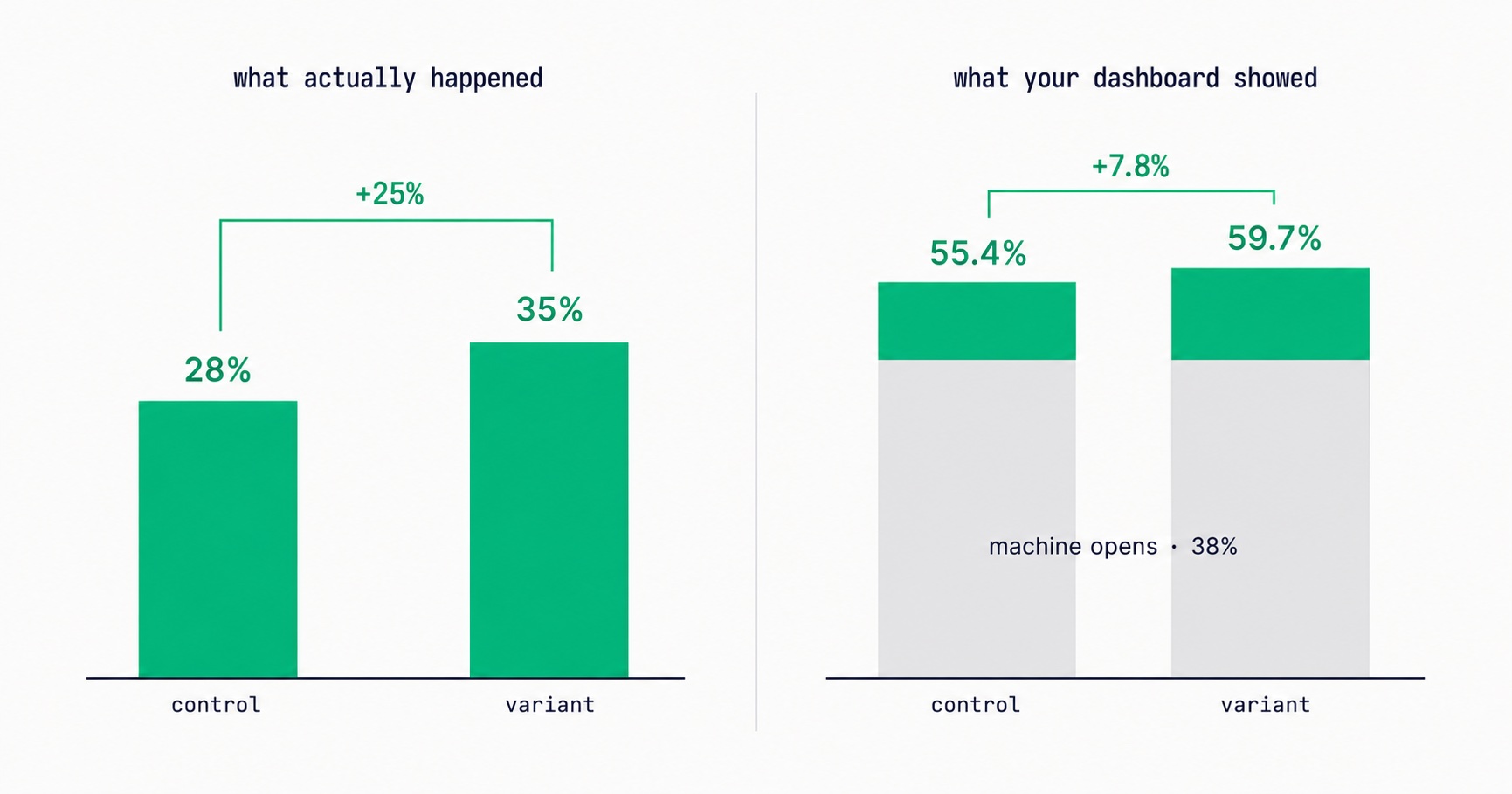
Apple Broke Your Open Rate. And Your Subject Line Tests.
Every article about Apple Mail Privacy Protection says open rates are unreliable. None of them explain the part that actually changes your decisions: MPP doesn't add random noise, it systematically compresses the measured gap between two subject lines by roughly 3x — which is why so many creators ran good tests, saw flat results, and concluded subject lines don't matter.

Newsletter Reactivation: How to Win Back Inactive Subscribers (With Templates)
Every newsletter has inactive subscribers silently dragging down deliverability. A well-designed reactivation campaign recovers 8–20% of them while identifying the truly unrecoverable. The four-part reactivation sequence, subject lines that break through inbox habituation, the list hygiene logic that improves metrics after removal, and the onboarding system that prevents inactivity from accumulating in the first place.
Newsletter Analytics for Creators: The 8 Metrics That Actually Matter (And 5 to Ignore)
A 60% open rate sounds great until you realize it's from 800 people and you're earning $0.08/subscriber. The metrics that actually predict newsletter success — revenue per subscriber, engagement score, churn rate, CPM efficiency, subscriber LTV — and what good looks like at every stage.

Moving Your Newsletter? The List Is the Easy Part.
The CSV moves in five minutes. Sender reputation, unsubscribes, paid subscriptions, automations and old signup forms do not. The order that gets a newsletter to a new platform without losing inbox placement or emailing people who opted out.

A Subscriber Is Worth $1.25 a Year. Now Price Your Ads.
Two sponsored slots at a $30 CPM with a 40% open rate earn about $1.25 per subscriber per year. Against a defensible CAC near $2 and cost-per-signup commonly $2-5, most paid acquisition is at or past break-even before you account for paid cohorts converting worse than organic ones.
Your Free-to-Paid Rate Is Two Numbers Pretending to Be One
Long-tenured subscribers convert three to five times better than new ones, and later cohorts are acquired more broadly than early ones. Both effects correlate with join date, so they cancel inside your blended conversion rate — and the two situations they describe call for completely opposite responses. The same-tenure comparison that separates them.
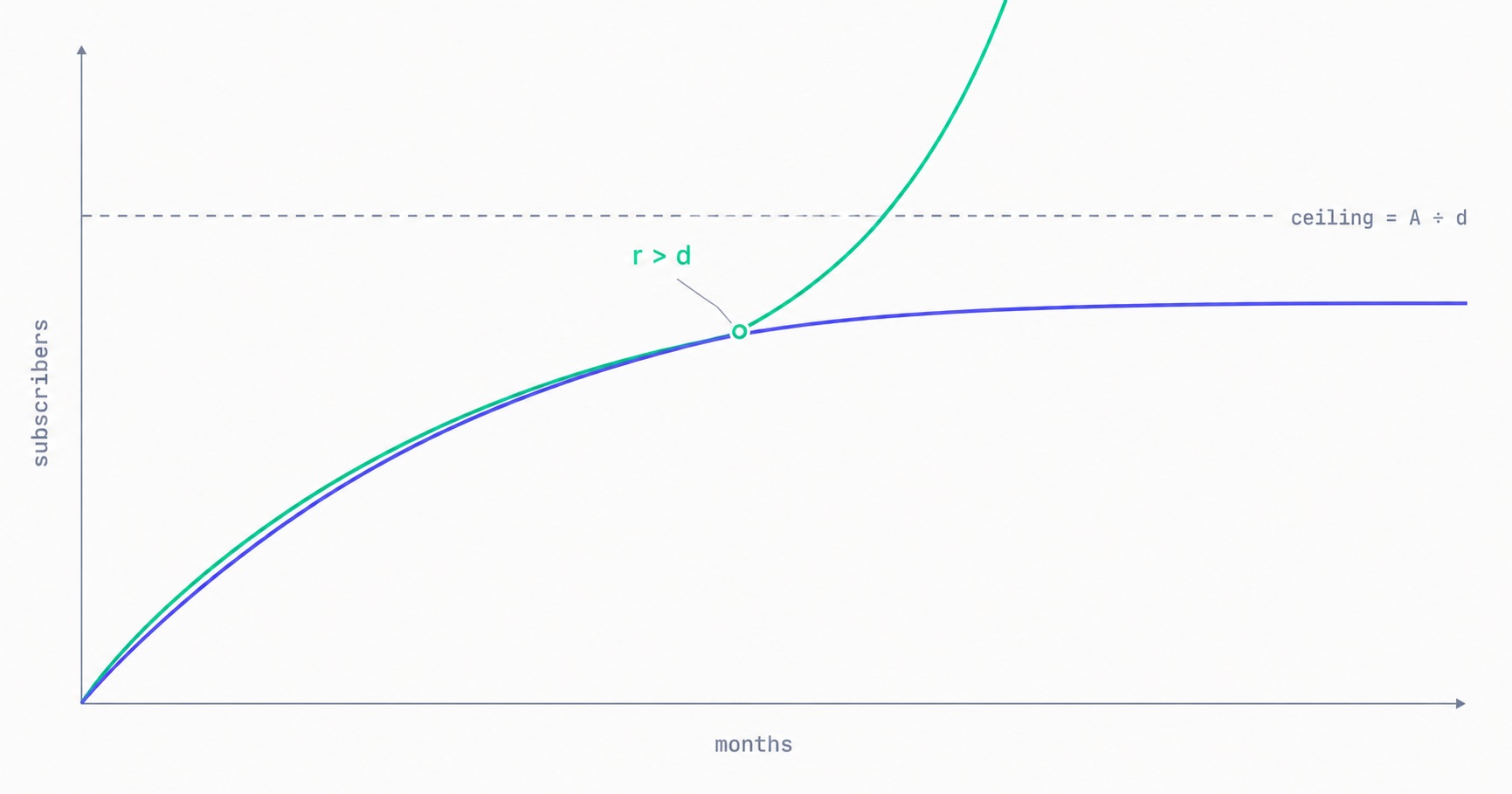
Your Newsletter Has a Growth Ceiling. Here's the Formula.
Your list has a maximum size you can calculate today: monthly new subscribers divided by monthly churn rate. At 500 signups a month and 2% churn, you will approach 25,000 and stop — no matter how long you keep publishing. The math behind the plateau, why halving churn beats doubling acquisition, and the one term that removes the ceiling entirely.

Newsletter Strategy for Course Creators: Build Your List, Warm Your Audience, Fill Your Program
Course sales require the deepest trust of any creator product. Email is the only channel that builds that trust systematically. The complete system: lead magnets that pre-qualify students, a 10-email welcome sequence designed for enrollment, inter-launch content strategy, launch sequence framework, post-launch re-engagement, and evergreen enrollment system.

Newsletter Viral Loops: How to Make Your Subscribers Your Growth Engine
Most newsletter growth requires proportional effort. A viral loop changes this: each new subscriber creates a mechanism that brings in additional subscribers. The viral coefficient math, four loop architectures (referral, forward, access gate, social proof), stacking strategy, re-promotion system, and the content quality foundation that makes viral growth compound rather than spike.
Newsletter Cross-Promotion: How to Add 300-700 Subscribers Per Month at Zero Cost
A well-executed newsletter swap can generate 200–500 new subscribers in 48 hours at zero acquisition cost. The complete system: the 4-factor partner qualification criteria, five cross-promotion formats ranked by conversion rate, outreach pitch templates that get replies, and a monthly programme that produces subscriber growth reliably.
Email Marketing for Online Coaches: Build Your List, Nurture Prospects, Fill Your Program
Coaching has a long sales cycle — clients need weeks of trust-building before they commit. Email is the only marketing channel that matches this cycle structurally. The complete system: how to build a list that attracts your ideal client profile, the 7-email welcome sequence that pre-qualifies prospects, and how to run enrollment conversations through email without feeling salesy.
Newsletter Segmentation for Creators: Send the Right Email to the Right Subscriber
Segmentation is the gap between 25% open rates and 45% open rates — and between 3% paid conversion and 9%. The 5 segmentation types that move the needle, the exact tags to set up from day one, and how to build a behavioral targeting system that runs automatically in InfluencersKit.